
CRM Sync Decisions for Multi-Store Shopify: Choose Wisely
Xavierapps
Author
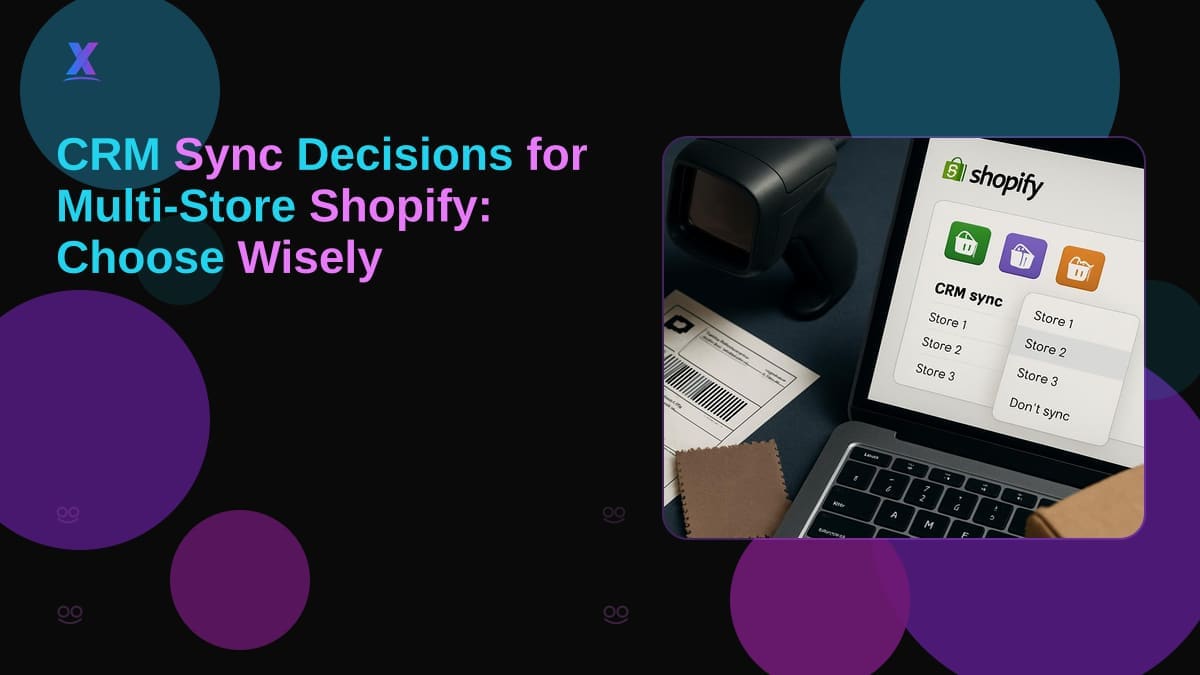
CRM Sync Decisions for Multi-Store Shopify: What to Choose Before You Commit
Choosing the wrong CRM sync architecture for a multi-store Shopify setup can cost you months of rework and force a mid-season migration at the worst possible time. If you are comparing options before signing a contract, the decisions you make now will either simplify your operations or compound your technical debt.
What CRM Sync Options Do Shopify Merchants Actually Have?
The core problem is straightforward: your sales team lives in HubSpot or Salesforce, but your fulfillment data lives entirely inside Shopify. When those two systems do not talk in real time, reps work from stale customer records and ops teams manually reconcile orders. That gap widens as you add stores.
For multi-store setups, three realistic paths exist:
Native Shopify apps from the Shopify apps store. These connect your Shopify store to HubSpot or Salesforce out of the box. Fast to install, predictable monthly cost, but typically built for single-store logic. Multi-store support varies sharply by vendor, and sync rules are often shallow: order created, order fulfilled, not much else.
Custom middleware. A Node.js or React-based service sits between your Shopify stores and your CRM, handling field mapping, deduplication, and conflict resolution. Maximum flexibility, but your team owns maintenance indefinitely.
Agency-built integration. A development partner handles architecture, build, and handoff. This path makes sense when the integration involves custom pricing tiers, B2B customer tagging, or ERP data that no standard app schema supports.
One pattern that comes up repeatedly: a B2B merchant wants Shopify customer tags synced directly to Salesforce opportunities so field reps can see account status without leaving their CRM. No off-the-shelf Shopify app handles that mapping cleanly. That is a custom build.
Key Criteria for Choosing Your Shopify CRM Sync Solution
Before you shortlist vendors or write a spec, audit these four areas.
Store count and data volume. One Shopify store syncing 500 orders a month is a different problem than three stores syncing 15,000 orders with overlapping customer emails. Multi-store setups require a deduplication strategy at the contact level, or your CRM fills with duplicate records within a quarter.
Real-time versus batch. HubSpot and Salesforce both support webhooks, so you can push data from Shopify the moment an order is placed or a tag is applied. Batch jobs are cheaper to build but create the data lag that frustrates sales teams. Know which your team actually needs before you spec anything.
Integration cost versus ROI. A wholesale catalog with custom pricing tiers needs field mapping that a generic CRM ecommerce integration app will not support. Budget accordingly. An agency quote for an ERP and CRM integration will cost more upfront than a SaaS connector, but it will not break when you add a fourth store or change your pricing model.
Long-term ownership. Ask who maintains the integration when Shopify updates its API or HubSpot deprecates a field. A Shopify app vendor patches their own code. An in-house build puts that on your developer. An agency build depends on your support contract.
Validate Requirements Before Any Vendor Call
Run through this checklist before briefing a vendor or agency.
List every Shopify store you operate and note whether each has its own customer base or shares customers across stores. Shared customers require a unified identity resolution strategy in your CRM.
Identify which CRM objects actually need to sync. Orders and contacts are table stakes. If your sales team tracks Shopify customer tags as Salesforce opportunity stages, document that explicitly. A standard Shopify app will not support it.
Compare in-house versus agency options honestly. If your engineering team has fewer than two backend developers who know Shopify's Admin API and your CRM's API, do not plan an in-house build against a hard deadline.
Set a realistic implementation timeline. A React admin panel for multi-store inventory sync across Shopify and HubSpot is not a two-week project. Scope it properly or you will miss your go-live window.
Mistakes That Waste Budget on Shopify CRM Integrations
Most cost overruns in CRM sync projects come from three predictable errors.
Starting with a Shopify app and switching mid-project. A merchant installs a HubSpot Shopify sync app, runs it for 60 days, discovers it does not support multi-store contact deduplication, then commissions a custom build. They pay twice and lose two months of clean data. Validate the app against your actual multi-store requirements before going live, not after.
Underspecifying field mapping. "Sync customer data" is not a spec. Define exactly which Shopify fields map to which CRM fields, including custom metafields and customer tags. Gaps discovered after launch mean rework.
Skipping conflict resolution rules. When a customer updates their email in Shopify and a rep updates a different field in Salesforce simultaneously, which system wins? If you do not define this before the build starts, your integration will corrupt records in production.
Treating it as a one-time project. Shopify's API versioning and CRM platform updates mean an integration built today needs maintenance. Budget for it, or plan for breakage.
In-House Build or Agency: How to Decide
In-house development gives you control and avoids recurring agency fees. It is the right call if you have backend developers who know both Shopify's Admin API and your CRM's API, and if your integration requirements are stable.
Agency support makes sense when requirements include non-standard objects (custom pricing tiers, B2B rep assignments, ERP data), when your team lacks bandwidth to own a long-term integration, or when you need the build completed on a fixed timeline with clear accountability.
Xavierapps works on exactly these kinds of projects: multi-store Shopify setups where CRM sync involves real business logic, not just order forwarding. The difference between a Shopify development agency that understands CRM ecommerce integration end-to-end and one that does not shows up in how conflict resolution and deduplication rules get specced before a single line of code is written.
If you are a Shopify merchant deciding whether to hire or build internally, the honest question is: does your team have someone who can own the maintenance, not just the initial build? If not, factor that into your decision before you commit.
FAQ
Should I use a Shopify app for CRM sync or build a custom solution?
A Shopify app is the right starting point for merchants with standard sync needs: orders, contacts, and basic customer data. It deploys faster and costs less upfront. A custom solution makes sense when your requirements include custom field mapping, multi-store deduplication, or Salesforce opportunity logic tied to Shopify customer tags. Audit your actual requirements first, then decide.
Which CRM works best with a multi-store Shopify setup?
Salesforce and HubSpot are both strong options because they support webhook-based real-time sync and have well-documented APIs that Shopify developers know well. Salesforce fits B2B merchants who need opportunity tracking and custom objects. HubSpot is easier to configure for smaller teams and integrates well with fulfillment workflows. Your choice should depend on which CRM your sales and ops teams already use and what your multi-store data model actually requires.
When should a Shopify merchant hire an agency for CRM integration?
Hire an agency when your integration involves logic that off-the-shelf Shopify apps do not support: custom pricing tiers, ERP data, B2B customer tag mapping, or three or more stores with overlapping customer records. You should also bring in an agency if your internal team cannot commit to ongoing maintenance, since a broken CRM sync in production costs more to fix reactively than to build correctly the first time.
About Xavierapps
Xavierapps is a full-stack Shopify and web development agency specializing in Shopify builds, React, Node.js, React Native, and CRM and business systems integration. The team works with merchants who need custom Salesforce Shopify integration, HubSpot Shopify sync, and multi-store data architecture that goes beyond what standard apps support. Browse the portfolio and published apps at the Xavierapps partner store.
Written by Xavierapps
Curating the best insights in technology and creative design.