
Enhance Shopify Analytics with New App-Added Annotations
Xavierapps
Author
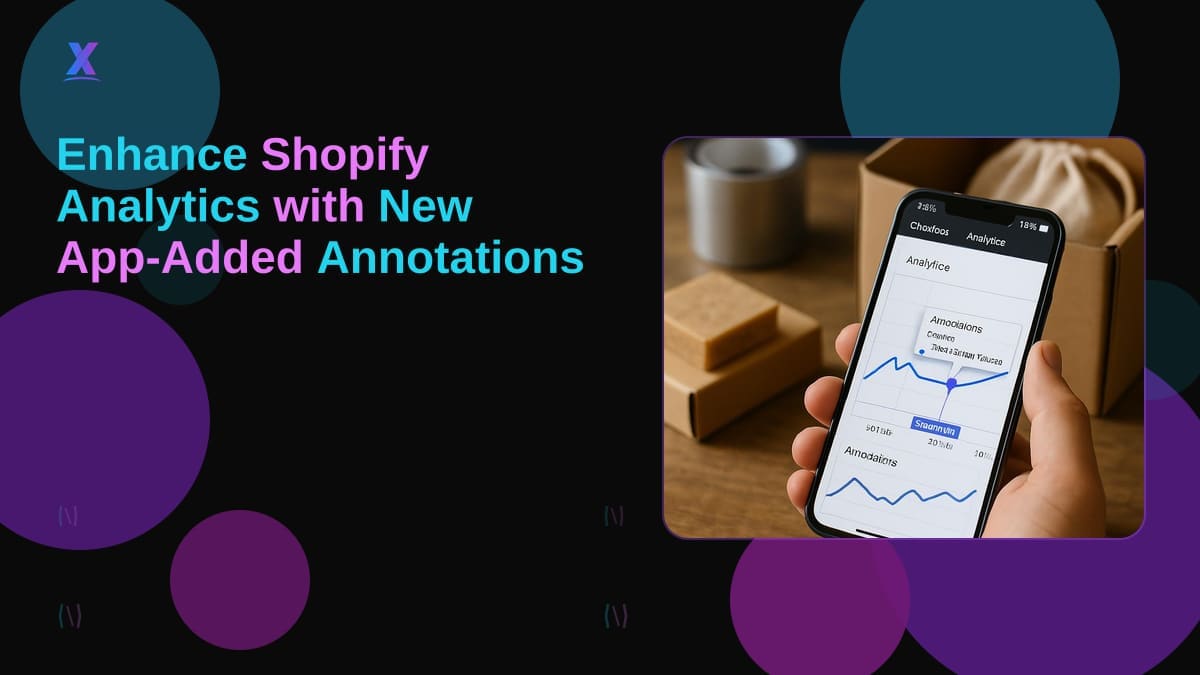
What Shopify Merchants Should Do Now That Apps Can Annotate Your Analytics Charts
Shopify now lets apps write annotations directly onto your analytics charts, attaching business context to specific dates and events inside your native dashboard. If you run a Shopify store and make decisions based on sales or traffic data, this changes how you read that data and what you need to do next.
What Are New App-Added Annotations on Your Analytics Charts?
An annotation is a labeled marker that appears at a specific point on a chart, tied to a date or event. Shopify's updated app API lets apps place these markers automatically, without you manually logging anything.
Before this, a Shopify merchant had to cross-reference external spreadsheets, marketing calendars, or email threads to explain spikes and drops. A traffic surge on a specific date meant digging through campaign records to figure out whether a discount code, a new app install, or a supplier delay caused it. That manual reconciliation wastes time and produces guesswork.
With app-added annotations on your analytics charts, the apps you already use for promotions, bundles, or customer engagement can tag those events directly on the chart at the moment they happen. A Shopify bundle app like Bundle Wave by Xavier, for example, could annotate the exact date a new bundle offer went live so you can see its revenue impact in context, not in a separate tab.
The business consequence of skipping this is real: merchants routinely misread data and optimize toward the wrong conclusion. Annotations remove that ambiguity.
Why Shopify Merchants Should Implement This Now
Promotional windows, app updates, and inventory changes all affect your data, and without context they look like noise. App-added annotations turn that noise into readable signal.
This matters most when:
You run a sale or BOGO offer and need to confirm it lifted revenue, not just traffic
You install or remove a Shopify app and want to see the before-and-after effect in the same chart
You change shipping rates or open a new market and need to correlate that with conversion shifts
You use a Shopify wishlist app like Wishlist Flow by Xavier and want to track when wishlist-driven campaigns actually converted
The urgency is straightforward: the longer you operate without annotated context, the more historical data you accumulate without being able to explain it. Starting now means your next quarter of data is already interpretable.
How to Shortlist the Right Shopify Apps for Annotation Support
Not every app in the Shopify apps store will surface this capability immediately. When you evaluate options, focus on three criteria before committing.
Does the app annotate automatically or manually?
Automatic is the higher-value option. If an app only lets you add notes manually, you still depend on your team remembering to log events. Look for apps where annotations trigger from actual in-app events: a bundle going live, a wishlist campaign launching, or a discount activating.
Does it write to native Shopify analytics?
Annotations need to appear in your standard Shopify analytics dashboard to be useful at a glance. Confirm the app writes to the Shopify analytics API directly. A separate dashboard defeats the purpose.
What does the app's review and update history show?
Check for mentions of analytics accuracy, annotation reliability, and developer responsiveness. A Shopify app development company with a consistent record across multiple apps is generally a safer bet than a single-app publisher with a thin history.
Pre-Launch Checklist for Rolling Out Annotations on Your Shopify Store
Work through this before you enable any annotation-capable app on your live store.
Audit your current analytics baseline. Identify which metrics you track weekly: sessions, conversion rate, revenue, average order value. If your baseline data is already inconsistent, fix that before layering annotations on top.
Define the business events that matter. Typically: app installs or removals, price changes, promotional launches, inventory outages, and new market activations. Your annotation layer is only as useful as the events it captures.
Check your existing apps first. Search changelog notes and release histories for annotation support. Your current Shopify bundle app, Shopify save for later app, or Shopify BOGO app may have already shipped this in a recent update.
Validate in a staging environment before going live. Confirm annotations appear on the correct dates, carry accurate labels, and don't clutter the chart with low-signal events.
Monitor actively for the first 30 days. Check annotations weekly against your actual activity log to catch misfires early.
Mistakes That Waste Budget Before Your Annotation Setup Goes Live
Skipping the audit step is the most common mistake. Merchants install a new Shopify app, enable annotations, and discover their baseline analytics were already inconsistent. The annotations then reflect unreliable data, making them worse than useless.
Over-annotating is the second problem. If every minor app event creates a marker, your charts become unreadable. Configure triggers to cover only high-impact events.
Third: waiting for the perfect app before starting. The annotation feature is live now on the Shopify platform. If an app you already use supports it, enable it and evaluate dedicated tools alongside real usage data, not hypotheticals.
Custom integration with a Shopify development agency makes sense when your analytics setup involves custom data pipelines, multiple storefronts, or third-party BI tools that need annotation data passed through. Standard merchants on native Shopify analytics can handle this independently. Xavierapps evaluates both scenarios and can tell you quickly whether your setup needs custom work or whether existing apps cover it cleanly.
FAQ
What are app-added annotations on Shopify analytics charts?
App-added annotations are labeled markers that apps place directly on your Shopify analytics charts at specific dates or events. They give you business context, such as a promotion launch or app install, alongside your sales and traffic data, without requiring you to maintain a separate log.
Which Shopify apps support analytics chart annotations?
Support depends on whether each app's developer has implemented Shopify's annotation API. Check app changelog notes and release histories for mentions of analytics annotations. Apps from active development teams, including those in the Xavierapps Shopify apps portfolio, are more likely to adopt new platform capabilities quickly after release.
When should I hire a Shopify development agency for this instead of doing it myself?
Hire a Shopify development agency when your setup involves custom data pipelines, headless configurations, or multi-store environments where annotation data must stay consistent across properties. For a standard Shopify store using native analytics, most merchants can implement annotation-capable apps independently, provided they run a proper pre-launch validation checklist first.
About Xavierapps
Xavierapps is a full-stack Shopify development agency building production-grade ecommerce solutions across Shopify, React, Node.js, React Native, and CRM platforms. The team publishes its own Shopify app portfolio, including Bundle Wave By Xavier for product bundling and Wishlist Flow By Xavier for wishlist and save-for-later functionality. Explore the full catalog at the Xavierapps partner store or visit xavierapps.ai.
Written by Xavierapps
Curating the best insights in technology and creative design.