
Permitted Store Staff Can View Customer Online Carts in POS
Xavierapps
Author
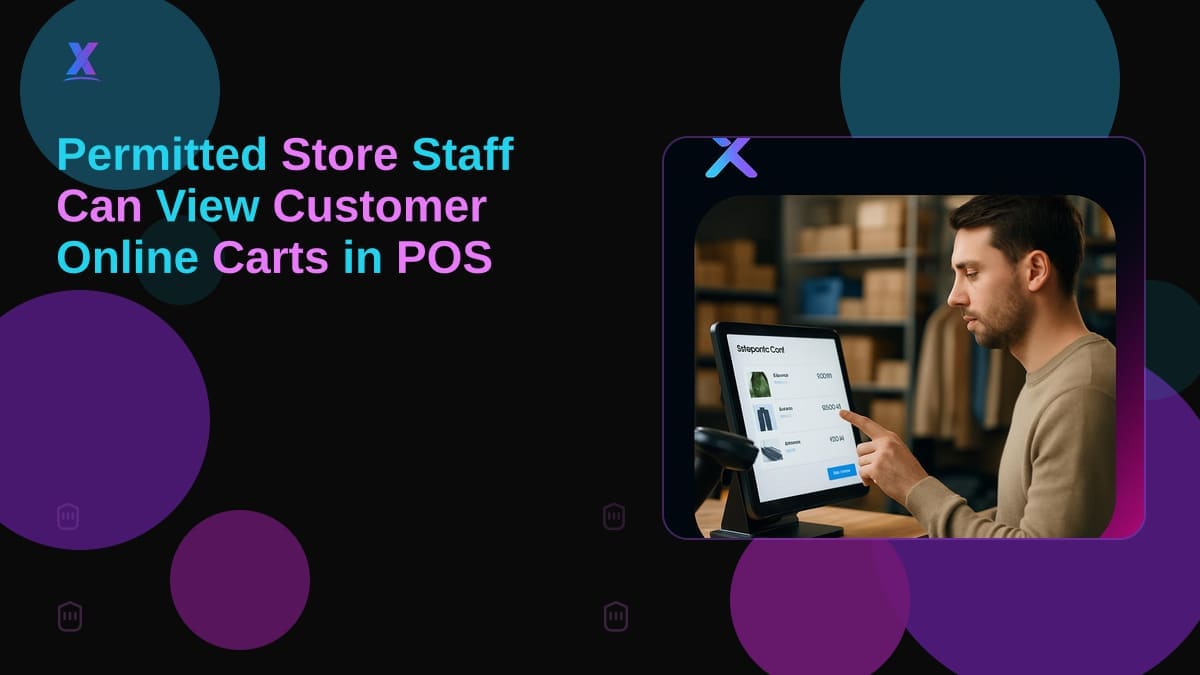
Permitted Store Staff Can Now See an Identified Customer's Online Cart in POS: What Shopify Merchants Should Do Next
Shopify has shipped a direct upgrade to its point-of-sale system: permitted store staff can now see an identified customer's online cart in POS, giving your in-store team visibility into what that customer left behind during an online checkout. If you run both a physical location and an online store on Shopify, this feature changes how your staff can engage with customers the moment they walk in.
Why Shopify Merchants Should Act on POS Cart Visibility Now
Abandoned checkouts drain revenue on every Shopify store. Email sequences help, but they operate on a delay and depend on the customer opening a message hours later. This POS update compresses that gap to zero. When a customer walks in and your staff identifies them, the rep can immediately see what that customer left in their online cart and open a conversation around it.
Ignoring this feature has a concrete cost: your staff will keep treating walk-ins as net-new buyers while missing context that could close a sale already in progress. A customer who abandoned a cart with three items is a warm lead. Your POS terminal now has that signal. Your staff just needs the permission and training to use it.
Personalized in-store interactions also raise average order value. A staff member who sees a customer's cart can suggest complementary items, confirm sizing, or resolve whatever caused the abandonment in the first place.
What to Decide Before You Enable This Feature in Your Shopify Store
Run a short audit of your current Shopify setup before changing any settings. Three questions are worth answering before you roll this out store-wide.
First, which staff roles actually need this access? Shopify POS gates cart visibility to permitted staff only. Handing access to every part-time cashier without a protocol is both a privacy risk and a workflow problem. Shortlist the roles (floor associates, managers, sales leads) that benefit most, and assign permissions accordingly.
Second, how are customers being identified at the point of sale? The feature depends on identifying the customer in POS before staff can see the cart. If your team is not consistently linking walk-ins to their Shopify customer profiles, the feature will not trigger. Validate your customer identification workflow before assuming the data will be there.
Third, does your current POS setup support this update? Confirm the feature is live on your account via the Shopify Changelog before building training materials around it.
A Four-Step Rollout for Shopify Merchants
This is practical work you can complete in a week without disrupting daily operations.
Step 1: Audit staff permissions. Open Shopify POS settings, review existing staff roles, and identify which roles should receive cart visibility access. Document the change for compliance and future onboarding.
Step 2: Enable the setting and test it. Activate cart visibility for the appropriate roles, then test against a known customer profile before any customer-facing use.
Step 3: Train staff on the conversation, not just the feature. This is the step most merchants skip, and it is where the feature either pays off or creates awkward interactions. Staff need a short script: how to acknowledge a customer's online activity without making them feel watched, how to offer assistance naturally, and when to stay quiet. A customer who abandoned because of price does not want a hard sell.
Step 4: Monitor usage and measure impact. Track whether cart visibility is being accessed during customer interactions and whether those sessions convert at a higher rate. Your POS reports can show whether the feature is changing sales behavior or sitting unused.
Mistakes That Waste Budget Before This Goes Live
The most common error is treating this as a technology problem when it is mostly a people problem. The feature works out of the box. What breaks the implementation is untrained staff, inconsistent customer identification at the register, and no process for following up on what the cart data reveals.
A second mistake: skipping the permissions audit and granting access too broadly. If every staff member can see customer cart data and no one has guidance on how to use it, you will get inconsistent customer experiences and potential data handling issues.
A third mistake: waiting until peak season to configure and test. Setting up unfamiliar workflows during your highest-traffic period guarantees errors. Configure permissions and run a test cycle during a quieter week, then activate before the busy period begins.
In-House Development, Shopify Apps, or Agency Help: Which Fits Your Situation?
The native POS cart visibility feature requires no custom development. But merchants who want to extend what happens after staff sees that cart data have real choices to make.
In-house development fits if you need a custom workflow, such as automatically applying a recovery discount when a cart is surfaced in POS, or logging cart interactions into an external CRM. This requires Shopify API access, developer time, and a QA cycle before anything touches live customer data. Budget for ongoing maintenance too.
Shopify apps can bridge gaps without custom dev. If you want to pair POS cart visibility with bundle incentives at the moment of recovery, a Shopify bundle app like Bundle Wave By Xavier lets staff offer a packaged deal on the spot. If a customer's cart reflects items they have saved across sessions, a Shopify wishlist app like Wishlist Flow By Xavier gives you additional purchase intent context beyond a single abandoned checkout. Apps from the Shopify app store install quickly, but validate that any new app does not conflict with your existing POS configuration before launch.
Agency help makes sense for multi-location retail, complex permission structures, or integrations between Shopify POS and third-party systems. A Shopify development agency can design a rollout that accounts for staff workflow, data governance, and edge cases your internal team will miss. Xavierapps builds exactly these kinds of solutions, from POS configurations to custom Shopify app development.
FAQ
Should I allow my staff to access customer carts in Shopify POS?
Yes, but only after defining which roles need access and training staff on how to use the information appropriately. Permitted store staff can now see an identified customer's online cart in POS, and that access should match your customer service model. Granting access without a protocol leads to inconsistent interactions and unclear handling of customer data.
Is POS cart visibility better than email follow-ups for abandoned cart recovery?
POS cart visibility is more immediate and allows for a real-time, personalized conversation with the customer. Email follow-ups are useful for customers who never return to your physical store, but they depend on open rates and operate on a delay. The strongest approach uses both: POS visibility when the customer is present, email sequences as the fallback for everyone else.
When should a Shopify merchant implement this POS feature?
Complete your staff permission audit and run a basic training session first, then activate the feature during a quieter period. Waiting until peak season means your team will be using an unfamiliar workflow during your highest-traffic days. Set it up, test it with real customer profiles, and roll it out before the rush.
About Xavierapps
Xavierapps is a full-stack Shopify development agency specializing in custom app development, POS integrations, and end-to-end store builds using React, Node.js, and React Native. The team builds and maintains production Shopify apps including Bundle Wave By Xavier for product bundling and BOGO offers, and Wishlist Flow By Xavier for wishlists and save-for-later functionality. Browse the full app portfolio on the Xavierapps Shopify App Store partner page.
Written by Xavierapps
Curating the best insights in technology and creative design.